
AI chatbot for Magento 2: how to choose and integrate one without surprises
by Altravista, ecommerce
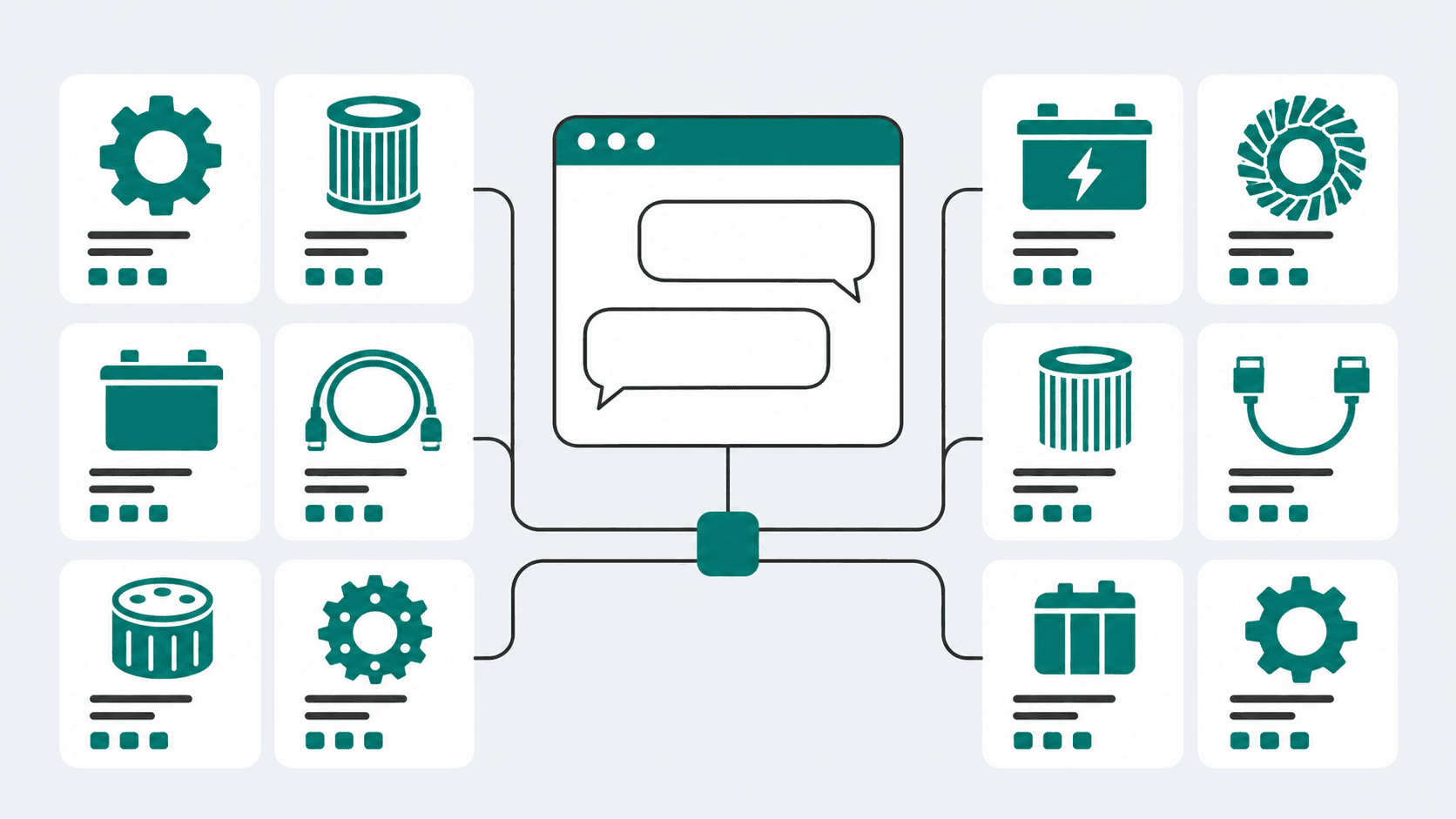
Adding an AI chatbot to a Magento store looks like a product decision: compare the features and pick the best one. In practice it is mostly an integration decision. A Magento catalogue is rich in attributes, variants, store views and customer-group prices, and an assistant is only useful if it reads all of that properly. This guide covers the routes available, the data an assistant needs and the checks to run before anything goes live.
What an AI chatbot on Magento means today
A few years ago a chatbot was a tree of hand-written questions and answers. Today an "AI chatbot" is an assistant built on a language model. It understands free-form questions and builds its answer from the store's own content: product pages, information pages and documents.
The practical difference is this: the assistant is only as good as the data it receives. If it reads just the product name and short description, its answers will be generic. If it reads attributes, variants, stock and technical documentation, it can answer questions such as "does this part fit my model?" or "what is the difference between these two versions?".
So on Magento the right question is not "which chatbot is the smartest" but "which chatbot can read my catalogue as it is".
Three routes to an AI chatbot on Magento 2
| Route | How it works | When it makes sense | What to watch |
|---|---|---|---|
| Module installed on Magento | An extension, often from the Adobe Commerce Marketplace, that adds the chatbot and connects to a language model with your own key | You have a Magento developer and want to keep everything inside the platform | Compatibility with your version and theme; upgrades; model costs paid by you |
| External service with a widget | An outside platform reads the catalogue through the Magento APIs and shows the chatbot with a script on the page | You want to start quickly without touching the store's code | Which data is synchronised and how often; where it is stored |
| Custom integration | A vendor or agency connects the assistant to your catalogue and systems and adapts it to your data | Complex catalogue, technical documentation, compatibility rules, B2B | Set-up time and cost; who maintains the integration over time |
No route is best in absolute terms. A store with a few hundred simple products can do well with an external service. A technical catalogue with thousands of part numbers and compatibilities almost always needs adaptation work.
What data the assistant needs
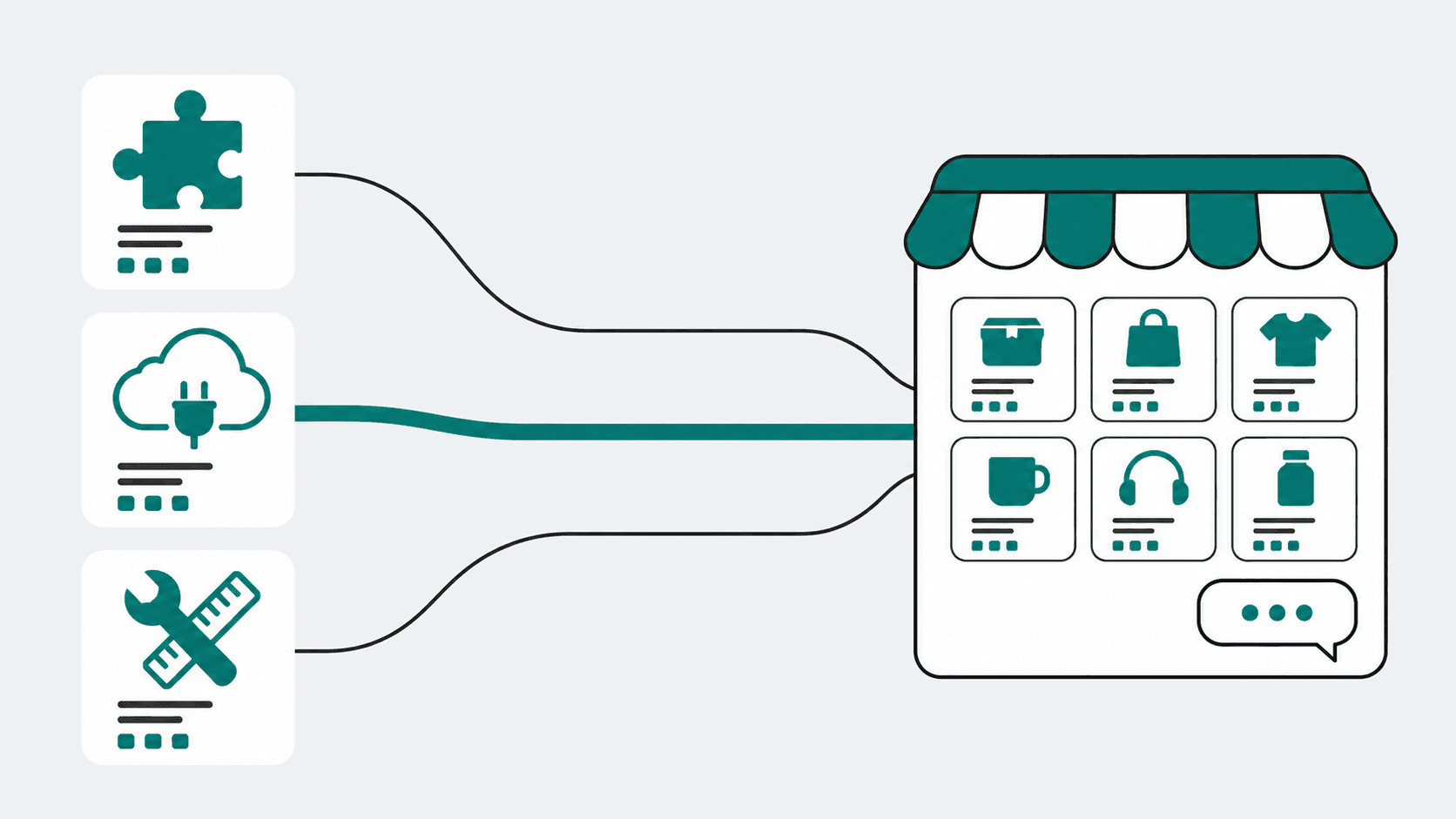
Before you assess any solution, list what the assistant has to know. On Magento the usual items are these.
- Product attributes. Dimensions, materials, power, part numbers: the answers are often there, not in the description. Check that every useful attribute is read, not only the default ones.
- Configurable products and variants. Size, colour, version: the assistant must know which variants exist and which are in stock, without suggesting combinations that cannot be bought.
- Store views and languages. With several store views, each language needs its own content. An assistant that answers in English with text from the Italian store view is a common mistake.
- Prices and customer groups. With different price lists per group, or with the B2B features of Adobe Commerce, the price depends on who is logged in. This is where a mistake costs the most.
- Stock. Stock levels change all the time: you need frequent updates or a real-time lookup.
- CMS pages and blocks. Shipping, returns, warranties, buying guides.
- Documents. Manuals, data sheets and compatibility tables in PDF: for technical catalogues these are the most important source, and not every solution reads them well.
- Orders. Only if you want the assistant to answer on order status and tracking. In that case you need a secure way to identify the customer.
Technical checks to run first
Data access and permissions
Magento 2 exposes the catalogue through REST and GraphQL APIs. An external service normally connects through an integration created in the admin panel, with permissions assigned resource by resource. The rule is to grant only what is needed: read access to the catalogue, and to orders only if required. An integration with full access is an unnecessary risk.
Performance and caching
The chatbot must not slow the store down. The script should load asynchronously, after the main content, and must not interfere with page caching. Measure loading times before and after, especially on mobile.
Content security policy
Magento 2 applies a content security policy (CSP) that restricts external scripts, and recent versions are stricter on payment pages. A third-party script has to be explicitly allowed. Ask the vendor how they handle this, and make sure the chatbot is not loaded in the checkout unless it is needed.
Theme
If the store uses a theme other than the standard one, such as Hyvä, modules that add elements to the page may need adapting. A widget loaded by an external script has fewer issues, but it still needs testing on your theme.
Privacy
Conversations may contain personal data. You need a data processing agreement with the vendor, a clear statement of where conversations are stored and for how long, and an updated privacy notice. Customers must know they are talking to an automated system.
Upgrades
Magento is updated several times a year. Ask who checks compatibility at each upgrade, and how quickly.
Where a chatbot on Magento most often goes wrong
The most common errors come from the data, not from the language model.
- It suggests products that cannot be bought: disabled, not visible individually or out of stock.
- It mixes up variants: it answers with the specifications of a different version from the one asked about.
- It infers compatibility. If the catalogue does not say that an accessory fits a model, the assistant should not claim it does. Compatibility must come from reliable data, not from guesswork.
- It shows the wrong price to a customer with a reserved price list.
- It mixes languages in stores with several store views.
- It does not know when to stop: instead of saying "I don't know, let me put you in touch with the store", it makes up a plausible answer.
How to test it before you decide
A generic demo tells you little. A useful test looks like this.
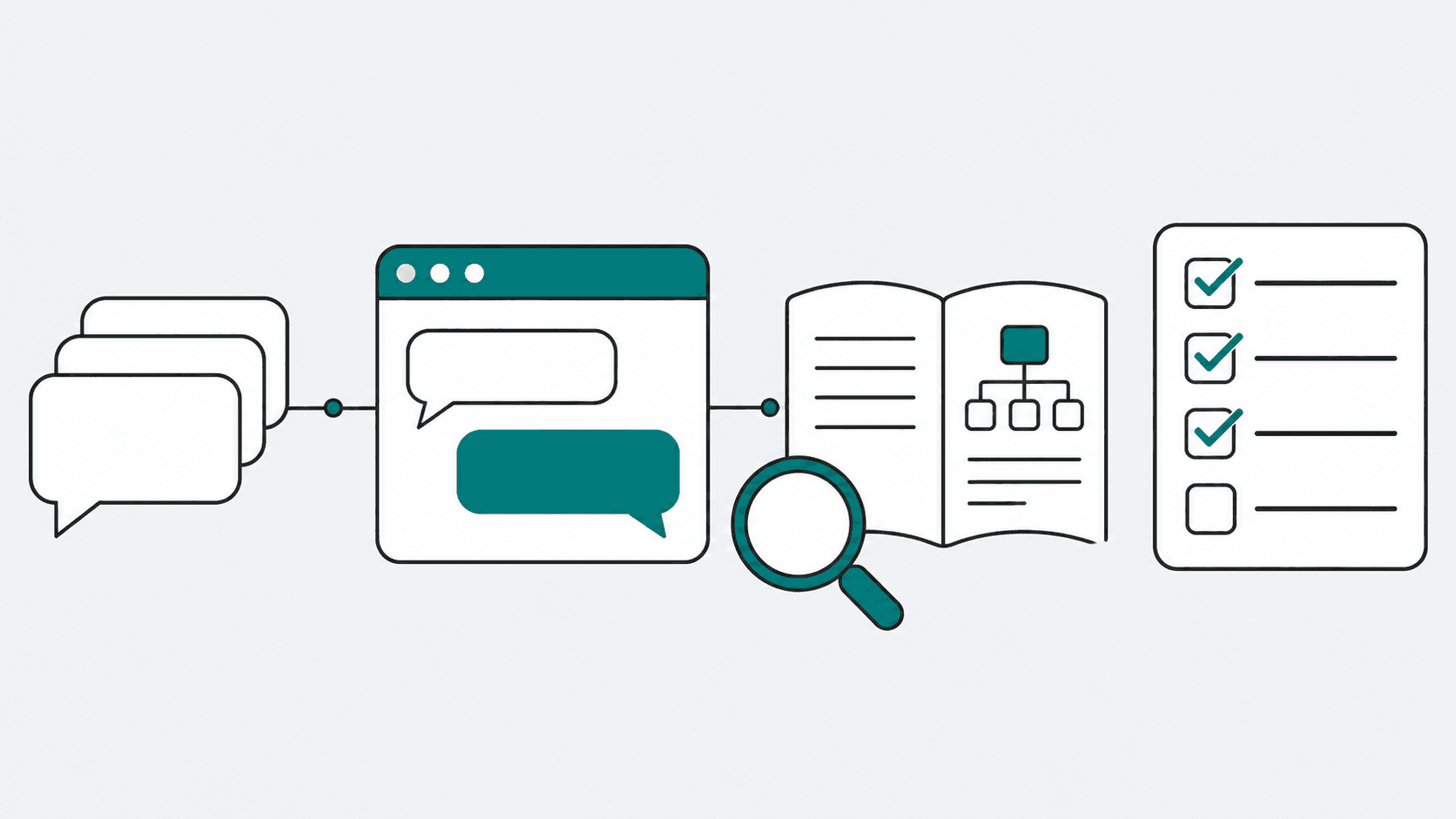
- Collect 20 to 30 real questions from the emails, calls and chats of recent months. Include the hard ones.
- Test on a staging environment with your own catalogue, not on a demo store.
- For each answer, check three things: is it correct? Does it say where the information comes from? When it does not know, does it say so?
- Try the edge cases: an out-of-stock product, a variant, a compatibility question, an off-topic request.
- Run the test on a phone and measure page loading times.
If a solution does not allow a test on your own catalogue, that is already useful information.
Costs and effort: what to budget for
Prices vary widely from one solution to another, but the items are always the same.
- Subscription: monthly or annual, often tied to the number of conversations.
- Language model cost: included in the subscription or paid by you, based on usage.
- Set-up: installation, connection to the catalogue, content preparation. This is the most underestimated item.
- Maintenance: checks after Magento upgrades, content updates, review of wrong answers.
- Internal time: someone has to read the conversations regularly and correct what goes wrong.
Always ask for the total cost of the first year, not just the subscription.
Frequently asked questions
Do I need Adobe Commerce, or is Magento Open Source enough?
For a chatbot that reads the catalogue and content, Magento Open Source is enough. B2B features such as shared catalogues and company accounts belong to Adobe Commerce: if you use them, check that the assistant respects them.
Does an AI chatbot work on Magento 1 too?
Magento 1 has had no official updates since 2020. An external widget can be connected, but recent modules are built for Magento 2. Before investing in an assistant, it is worth considering the migration.
Can it replace the store's internal search?
They are different tools. Search serves people who know what they want; the assistant serves people who have a doubt or need to choose. They usually work side by side.
How long does it take to go live?
It depends on the data. With a simple catalogue and tidy content it can be quick. With technical documentation and compatibilities to structure, the main work is preparing the content, not installing the chatbot.
In short
An AI chatbot on Magento works when it reads the catalogue well: attributes, variants, languages, prices and documents. Before you choose, list the data it must know, check permissions, performance and privacy, and test it with your customers' real questions. The rest comes later.
For assessment criteria that apply to any platform, we have written a separate guide: AI chatbots for ecommerce: how to assess one.
Transparency note: Altravista has been developing on Magento since 2007 and has built Tech Guardian, an AI assistant for ecommerce stores with technical catalogues. The criteria in this guide apply to whichever solution you assess.